
Sort Water Now
A quick bottle puzzle for practicing empty-space planning and clean color stacks.
Add or remove bottles, select colors, edit bottle layers, validate color counts, export puzzle JSON, copy JSON, and open the layout in the solver.
Open Water Sort SolverYes. Use the editor export or copy action to move the layout into the solver.
Yes. The editor lets you select colors and adjust bottle layers.
No. Validation checks the setup; use the solver to search for moves.
Choose the sorting style that matches the way you want to play.
Try another sorting puzzle selected from the game library.
A quick bottle puzzle for practicing empty-space planning and clean color stacks.
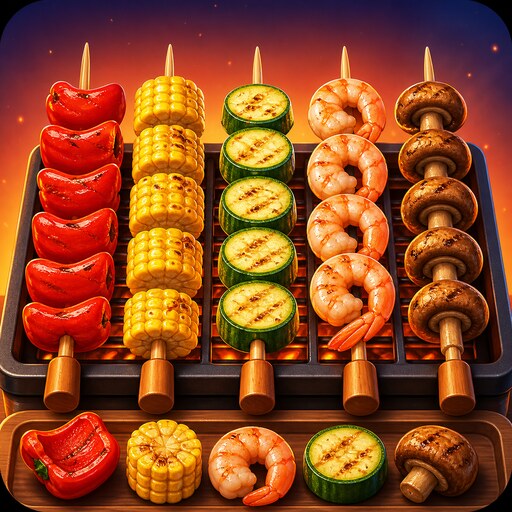
A food-themed sorting puzzle where matching items must be staged carefully.
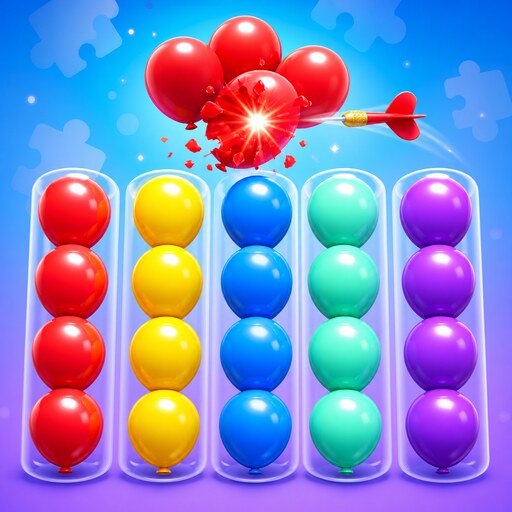
A bright balloon sorting puzzle built around careful aim and color-clearing moves.
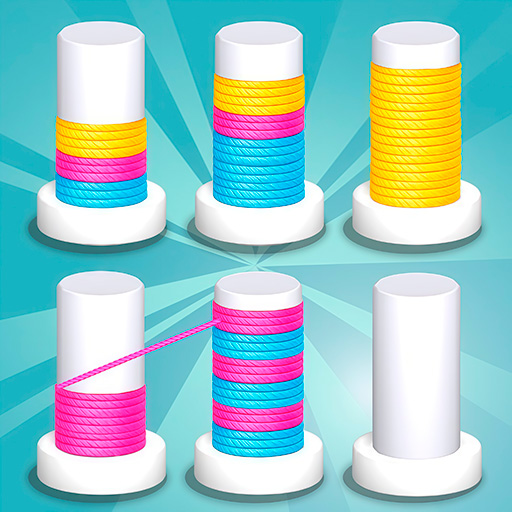
A bright slinky sorting puzzle built around color groups and careful space management.
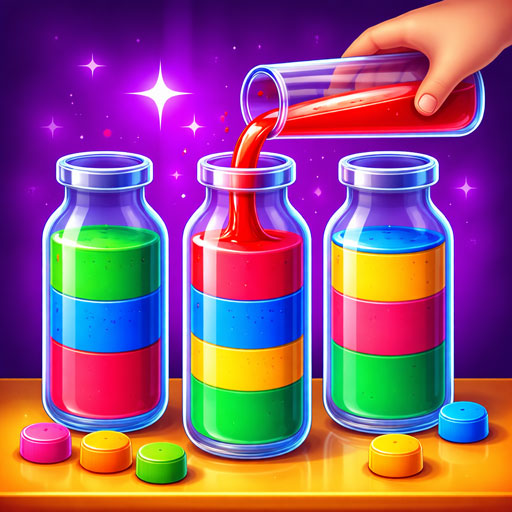
A clear bottle sorting puzzle with matching top colors, spare space, and careful pours.